
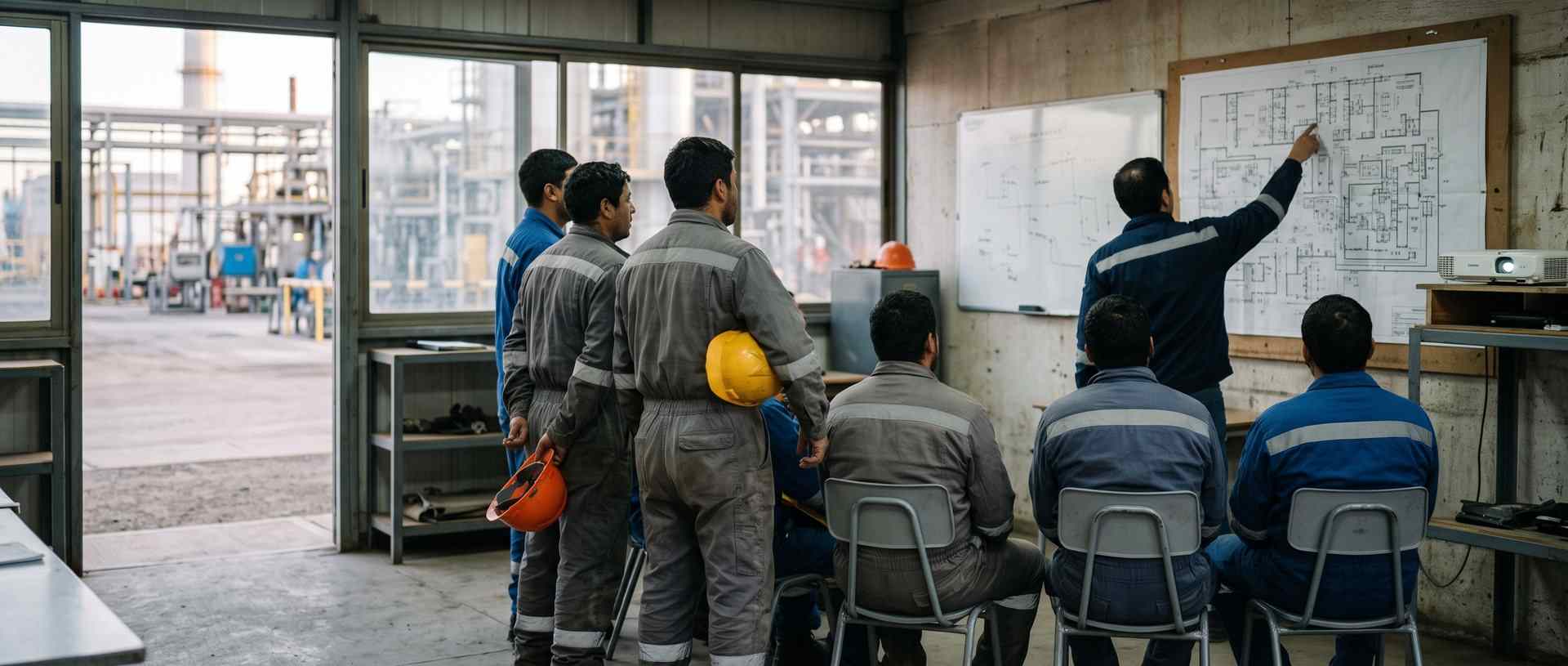
Every action item from the meeting comes out with an owner, a deadline and a signature.
The site meeting, the safety meeting or the coordination meeting with the client. You dictate the minutes as it happens, or PAIR writes them up in Word from the meeting, attendees sign on screen and every action item becomes a task with its owner and its deadline.
What happens to minutes on paper
- Somebody takes notes by hand and writes them up two days later. By then, half of the action items are already in dispute.
- The minutes say «will be reviewed» and not who or by when. At the next meeting the same thing gets agreed again.
- When the client asks who attended and what was agreed, the answer is a scanned sheet in a shared folder.
Five things that change at the first meeting
- 01
The minutes are dictated, not transcribed
- Today
- The note taker writes by hand and types it up at the office.
- With PAIR
- You speak and your voice fills in the fields of the minutes: topics, observations and action items. You review them before closing the meeting.
- 02
Attendees, with their signature
- Today
- The attendance sheet goes round on paper and somebody leaves without signing.
- With PAIR
- Every attendee signs on screen before leaving, and the minutes carry each person’s name and signature.
- 03
Every action item becomes a task
- Today
- The action item is written in the minutes and nobody chases it until the next meeting.
- With PAIR
- The action item is born as a task with owner and deadline, and the owner gets the notice. At the next meeting you review what is still open, not what somebody remembers.
- 04
The walk-through photos, inside the minutes
- Today
- The photos of what was seen stay on the phone of whoever took them.
- With PAIR
- The photos go in the same record, with their time and author, and come out in the PDF of the minutes.
- 05
The history of every meeting on the contract
- Today
- Minutes live in folders by date, and finding an old action item costs a morning.
- With PAIR
- All minutes in a table with filters by date, project or owner, and the trail of who changed what and when.
What you start with
- Site meeting minutes, with action items, owners and deadlines
- Safety meeting minutes, with attendee signatures
- Client coordination minutes, under your letterhead
And many more, built around your operation. Ask us.
Related use cases
Frequently asked questions
Can I fill in the minutes by speaking?
Yes. Voice filling completes the fields of the minutes as you speak, and you review them before saving. It comes from the Professional plan, Advanced included.
How long can the meeting be?
PAIR writes up the minutes in Word for meetings of up to 30 minutes on the Professional plan and up to 60 minutes on Advanced. On Enterprise, tailored. Light has no AI minutes: the minutes are filled in by hand.
How do I send the minutes to the client?
The minutes come out as a PDF under your letterhead, with the photos and the attendees’ signatures, on the day of the meeting.
What happens to the action items after the meeting?
Every action item stays as a task with owner and deadline. The ones still open show up at the next meeting, without rereading the previous minutes.

Demo
Bring us the minutes from your last meeting
The ones you use today, on paper or in Word: in thirty minutes you see them digitised, with attendee signatures and the action items turned into tasks.
- Would you rather look at the plans first? See pricing.