
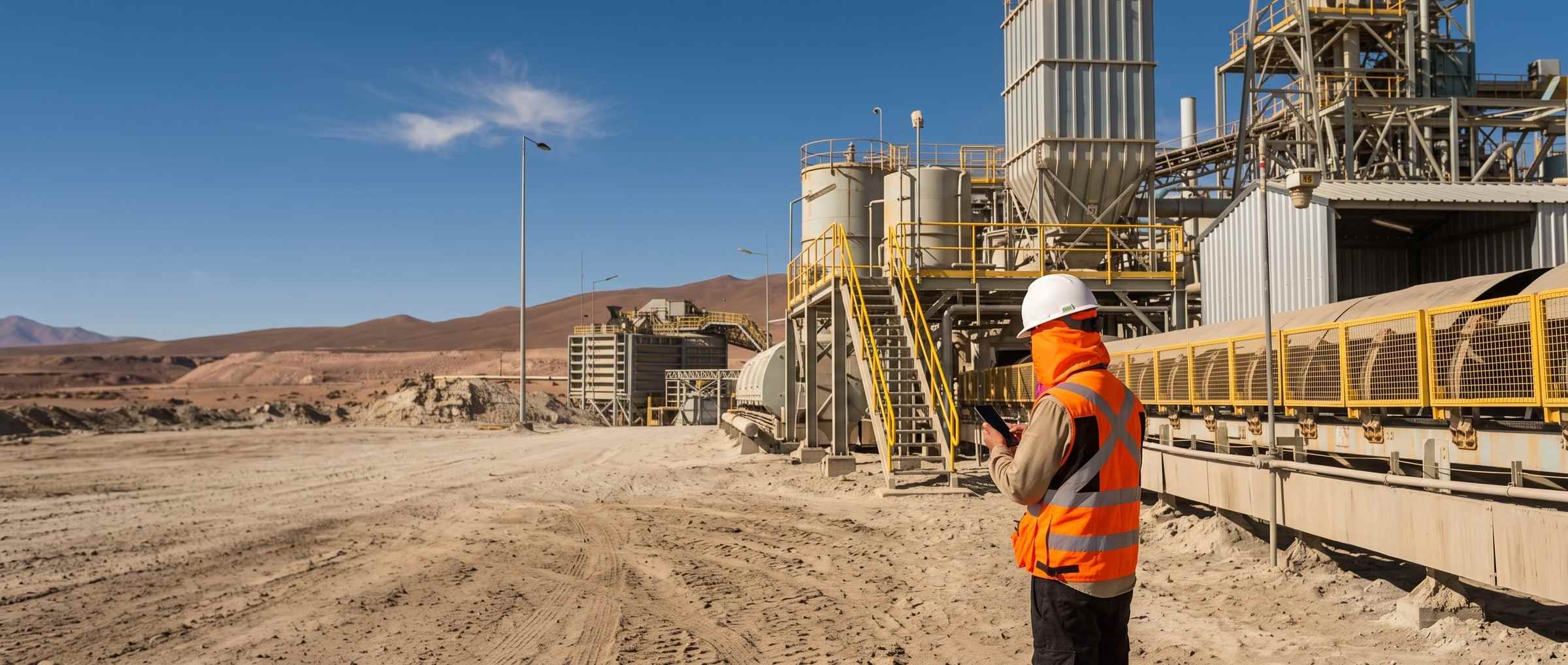
Speed up your field operations with artificial intelligence.
The photo and the voice fill the fields, the report comes out written, and all of it keeps working with no coverage.
What the model does
Digitising moves paper to a screen. Speeding up is the model filling it in.
Anyone can digitise a form. What changes the shift is the sheet coming back converted on its own, the photo and the voice filling the fields, and the report coming out written.
-
Before the field
Photograph your sheet and it comes back as a form
With its sections, its fields, its ranges and its checkboxes. Forty forms take two to eight hours depending on whether they are built by hand or with the builder, and setup is included in the plan.
-
On site
The photo and the voice fill the fields
The inspector photographs the finding or dictates it, and the fields fill in. It works with no coverage: whatever is pending stays queued and uploads itself when the signal returns. A person reviews before closing.
-
After the field
The report comes out written
You choose what goes in —the period, the charts, the attachments— and the report comes out written in your usual format. AI drafting is a checkbox: switch it off and the report still comes out.
up to3×
Faster at filling the form than typing it into a current field application, with 95 % of fields correct.
The product
Your form, on paper. The same form, in PAIR.
STRUCTURAL FIELD INSPECTION
- Shift
- Inspected point location
- Structure compliant (Yes / No)
- Elements checked
- Measured thickness (mm)
- Nominal thickness (mm)
- Asset code
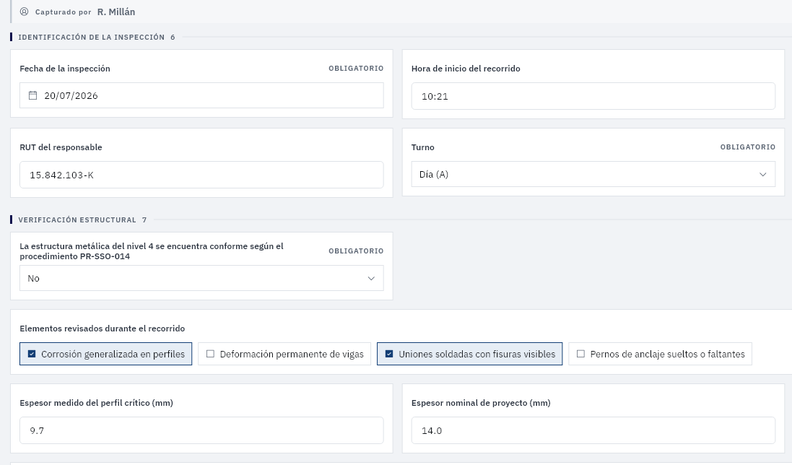
- captured by R. Millán
record 4 of 20 in the form - date and time in their fields
20/07/2026 · 10:21, nothing transcribed - elements checked
the boxes are ticked on site - measured and nominal thickness
9.7 over 14.0: the loss is a calculated field
The dashboard
Capturing is half of it. The other half is answering with the data.
Most field software solves the field half and leaves the other one in your inbox.
-
Statistics
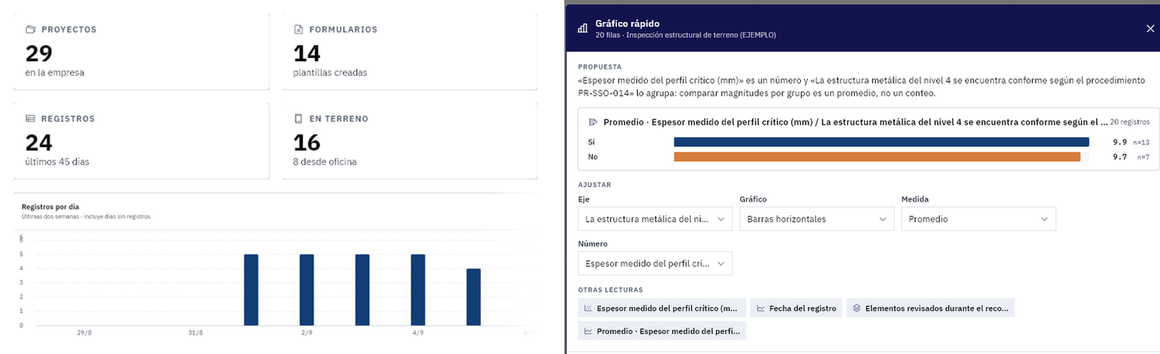
The dashboard does not have to be built: it picks its charts from the most recent records, and each one can be shared by link or taken into a report.
-
Traceability
Every correction keeps who made it, when and why. Those applied in bulk can be undone whole.
-
Monitoring
The rules you write create tasks on their own when a record meets them, and the simulator shows whose tray they would land in before you switch them on.
-
Maps
Every finding lands on the site plan and on its level. Floors are shown stacked, with their count.
Industries
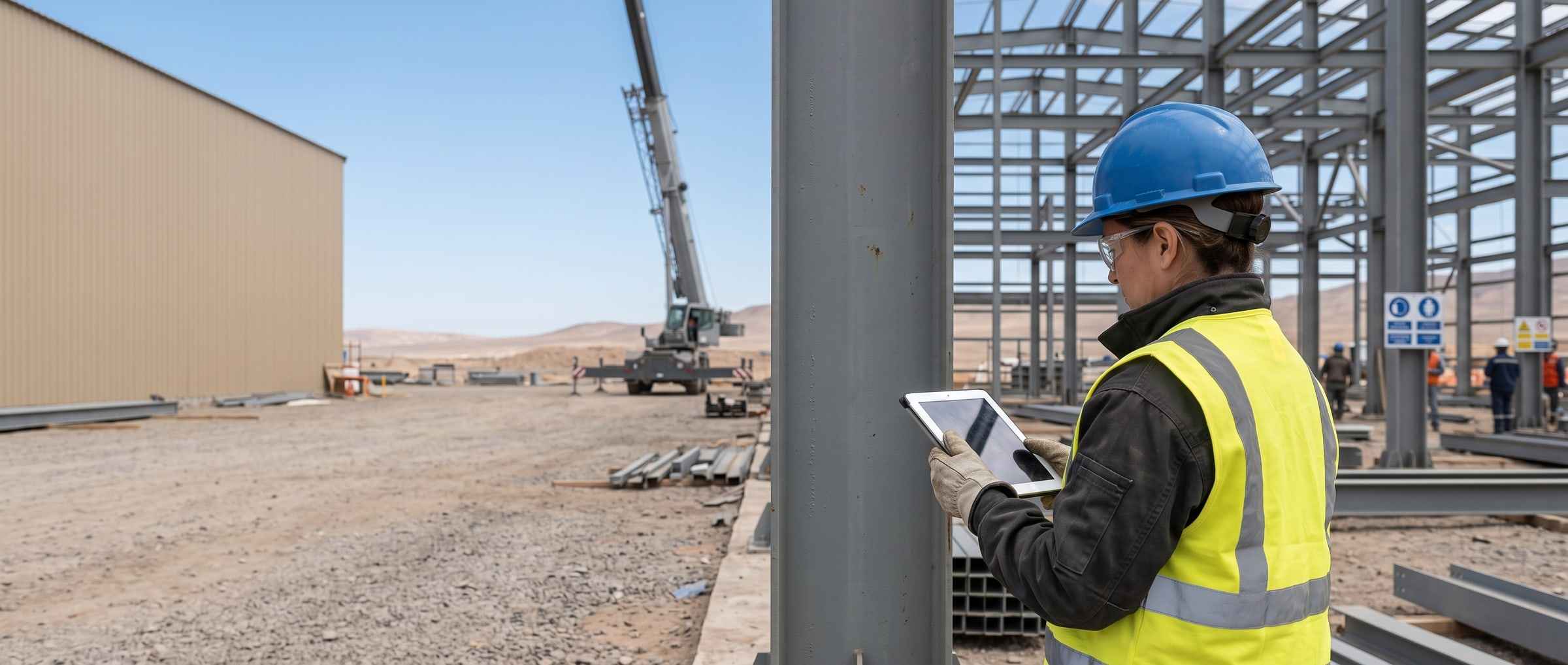
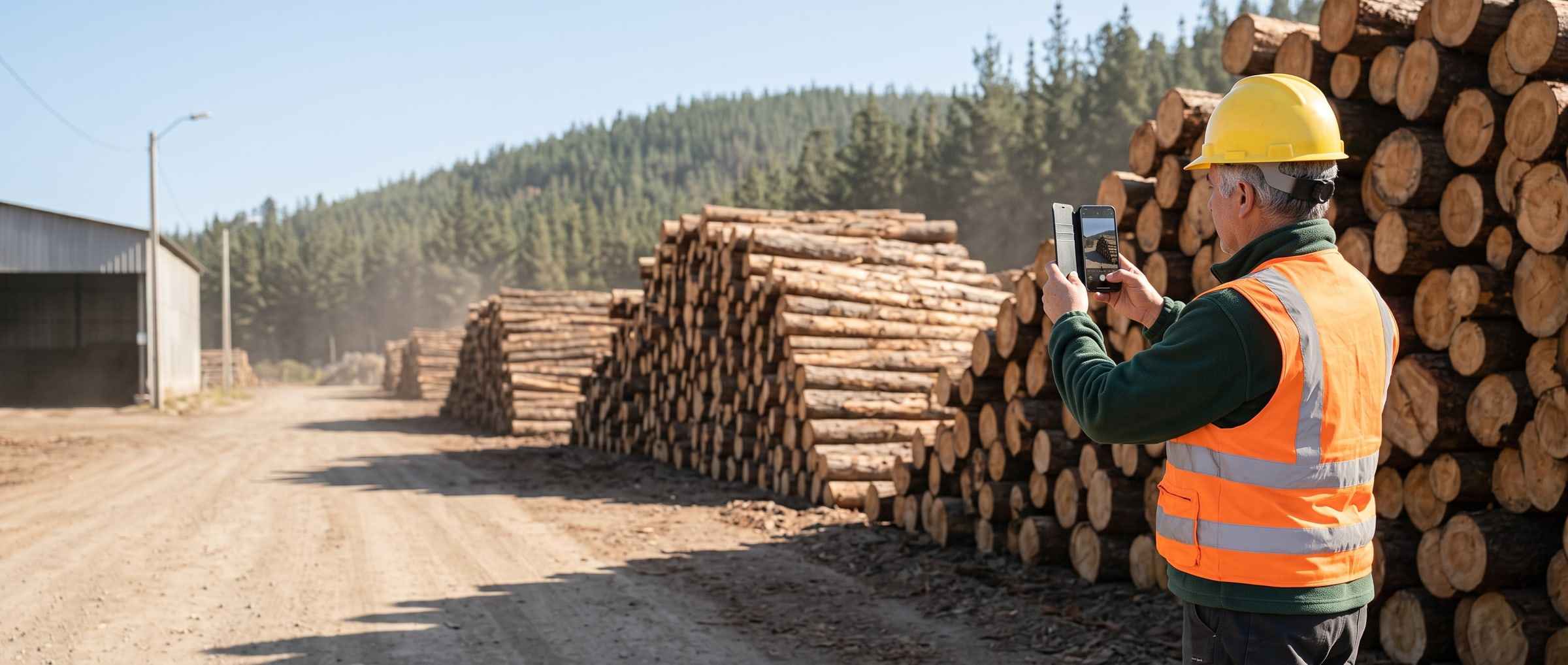
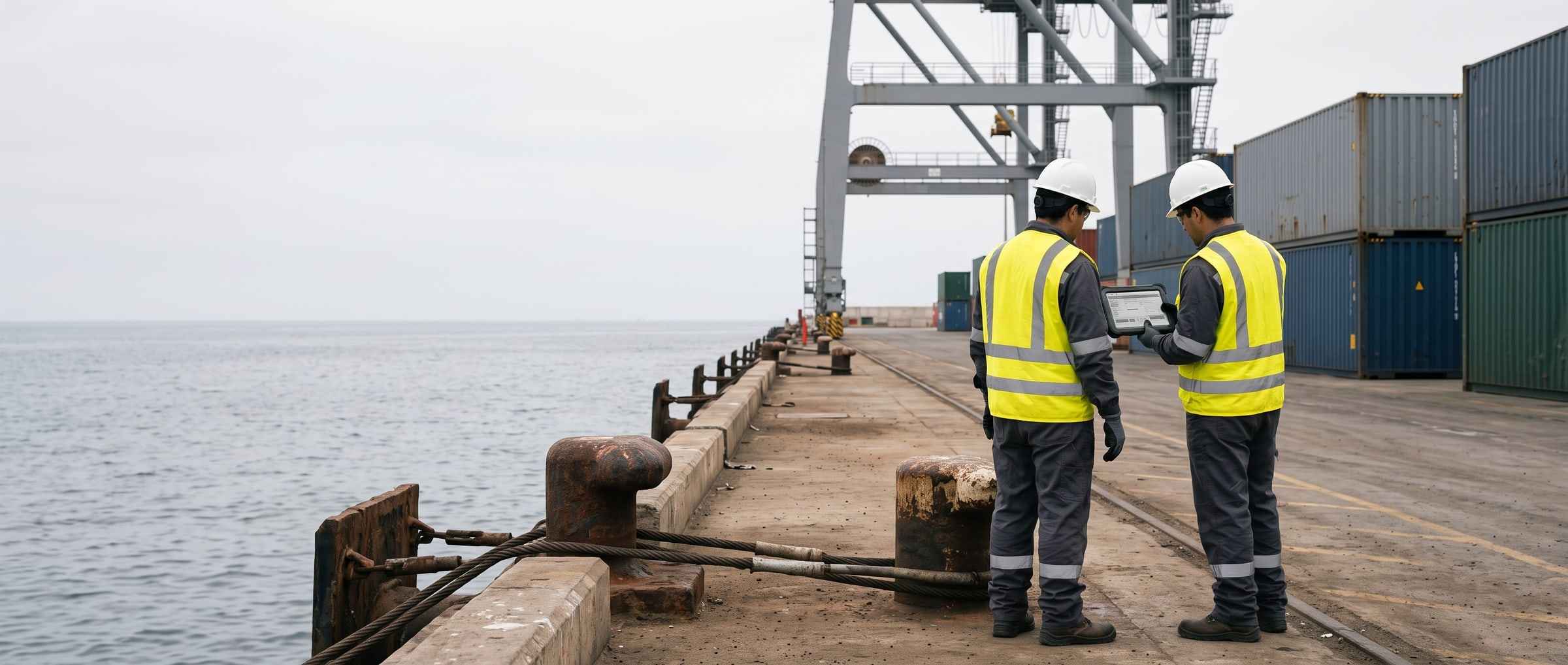
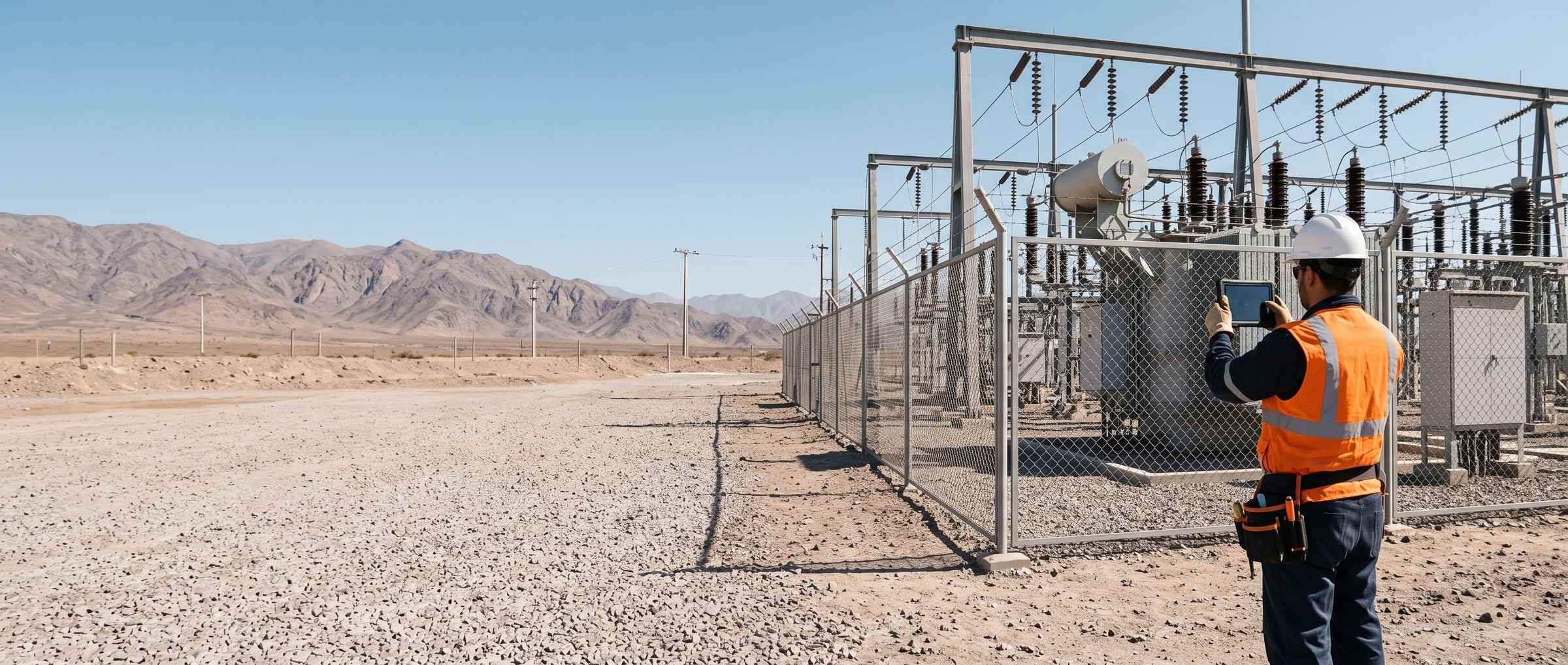
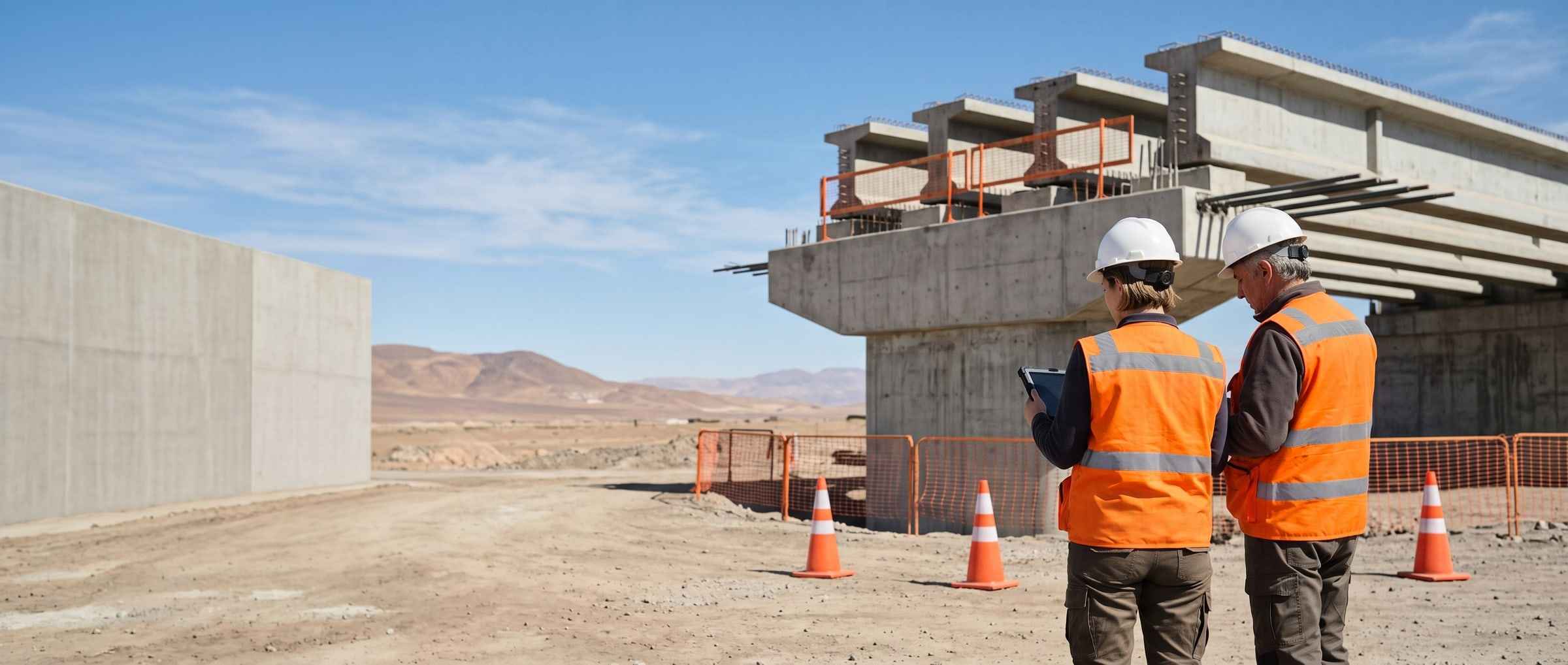
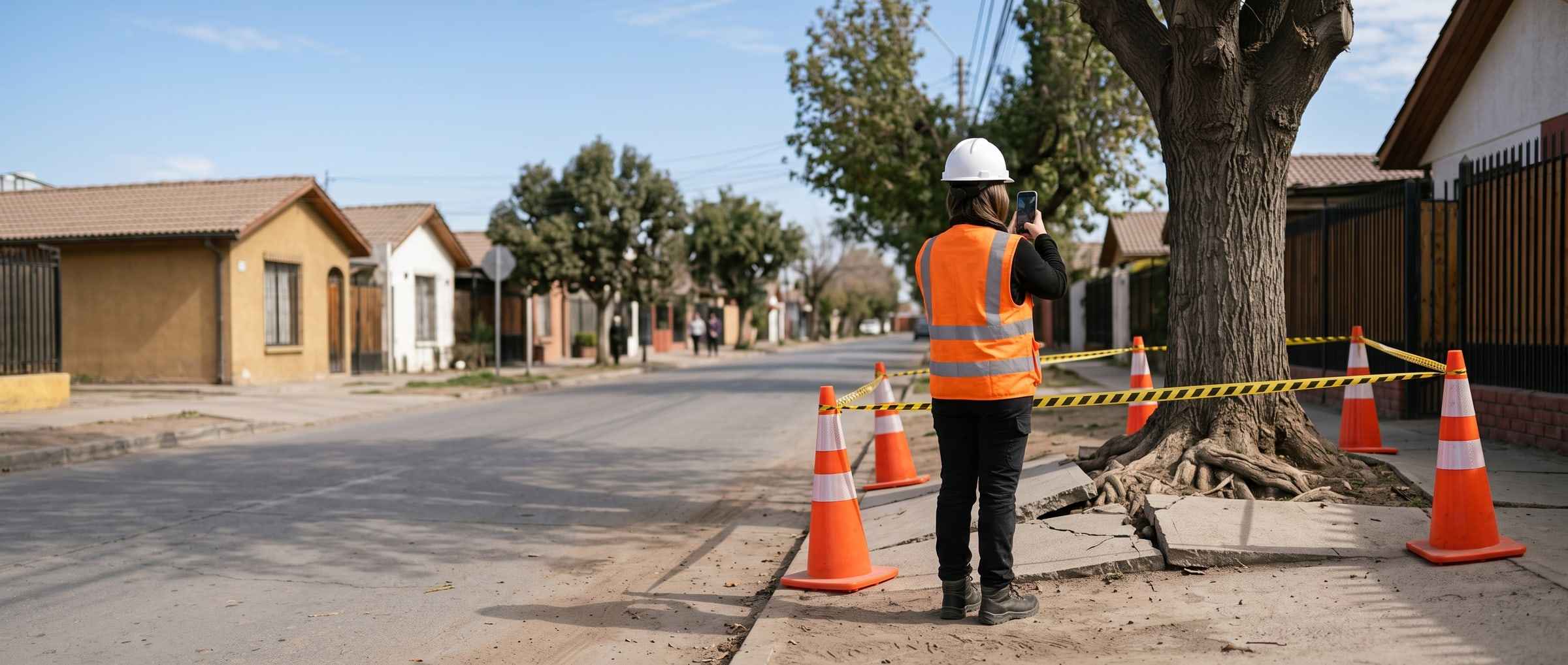
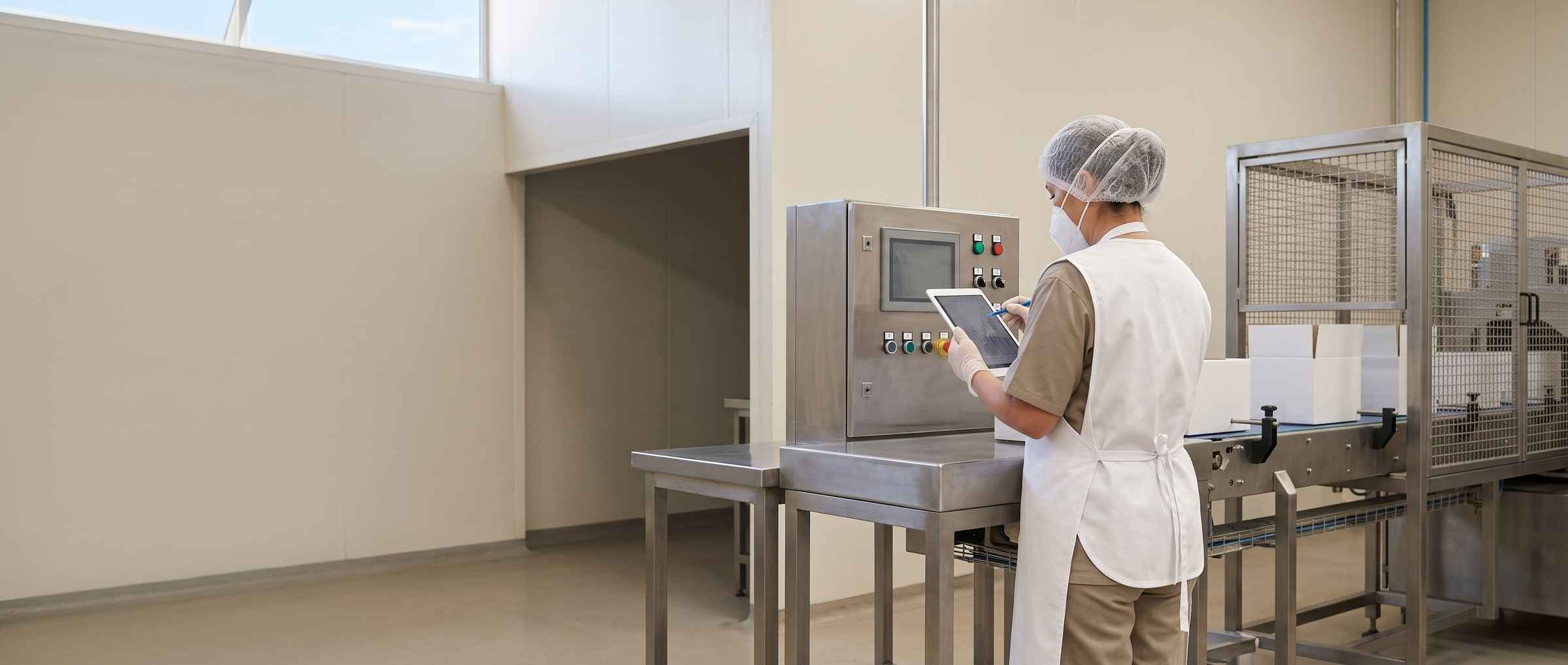
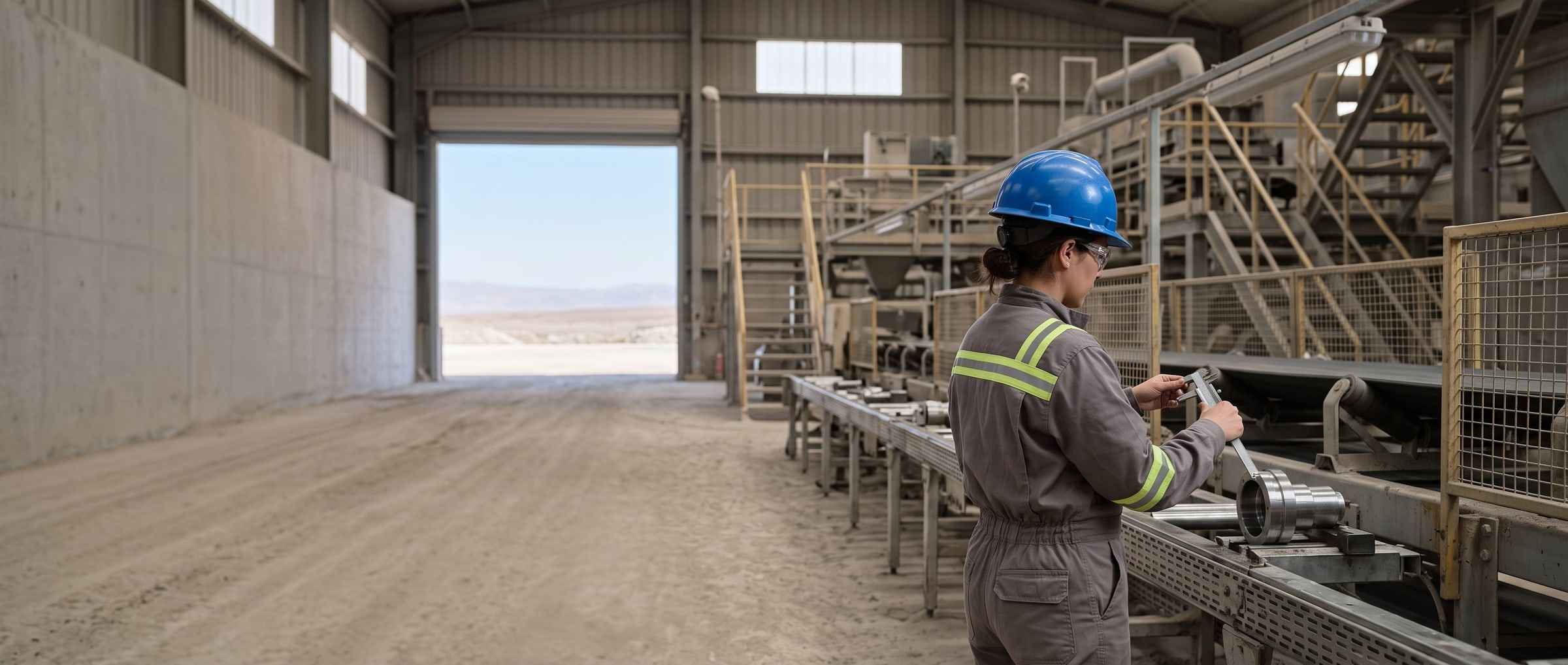
The forms of your industry, just as you already use them
Every page starts from the forms that industry already uses on paper, not from a list of features.
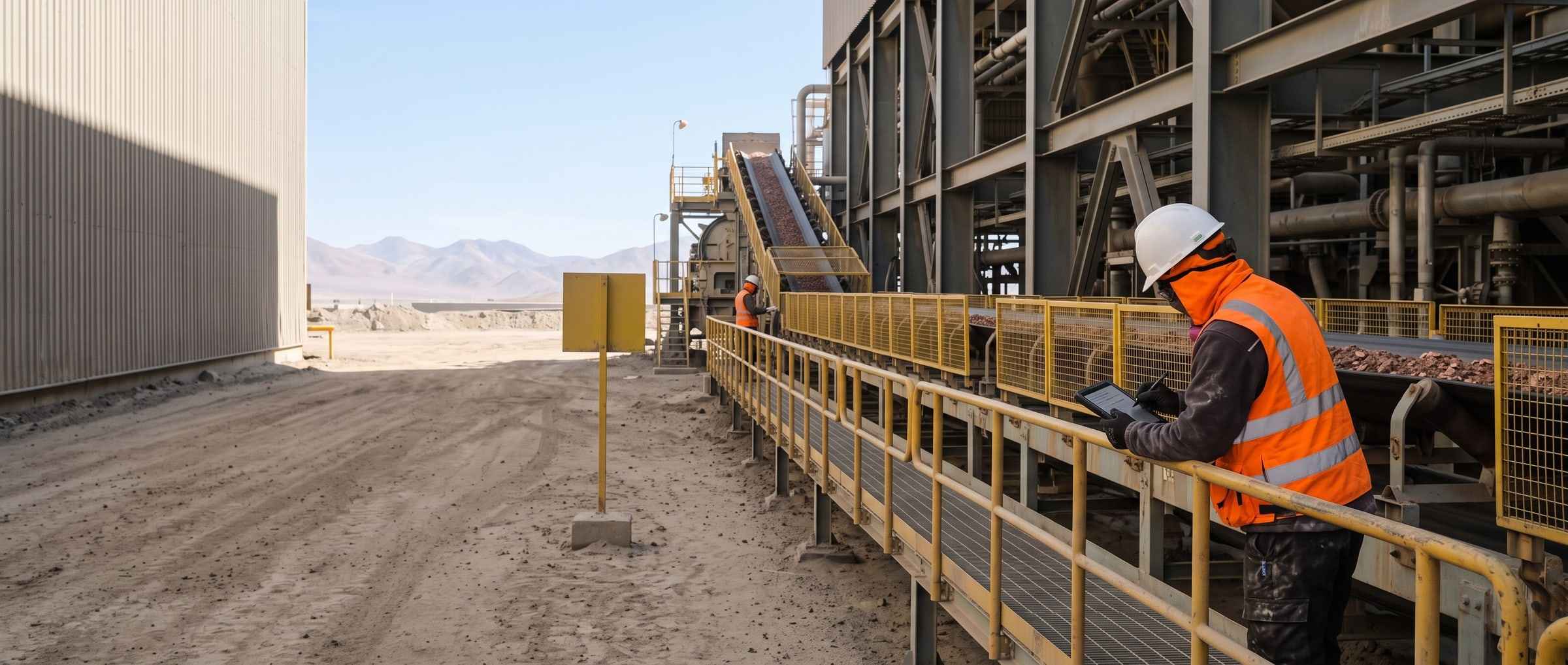

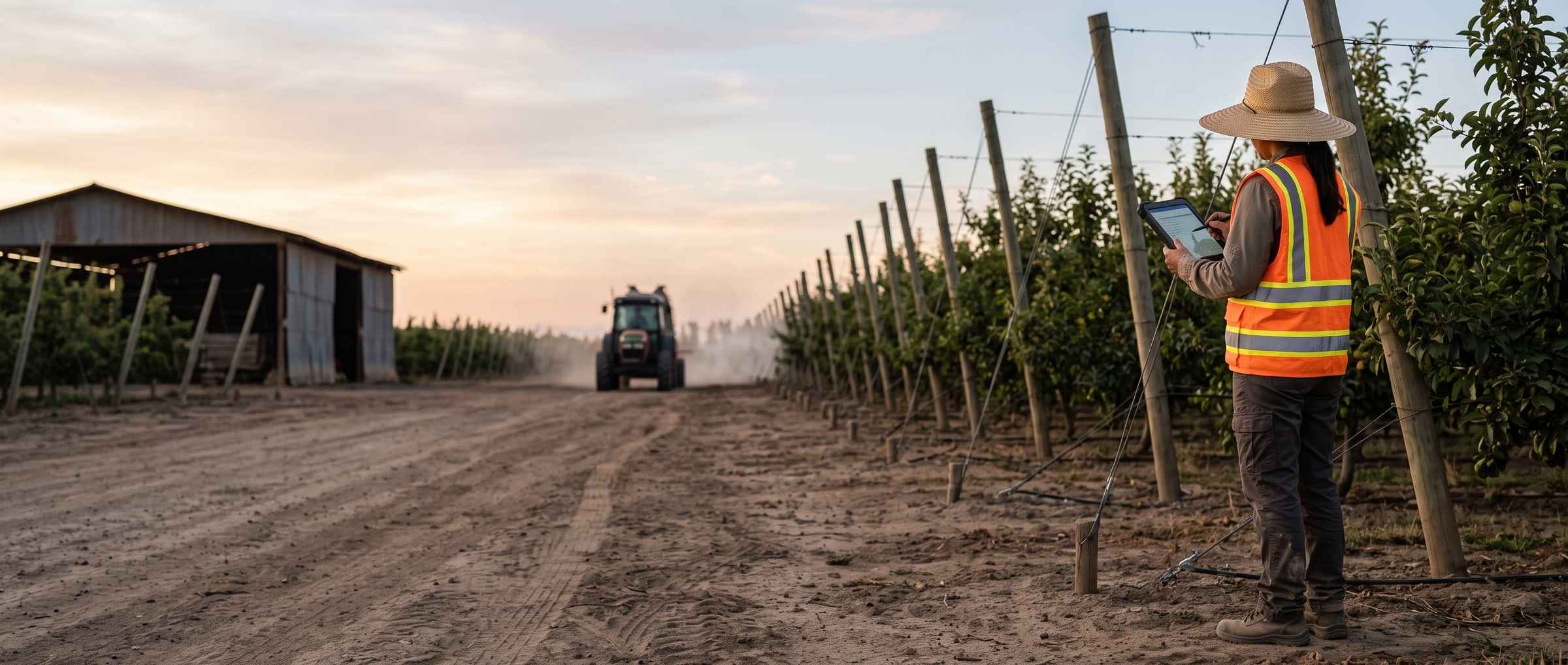
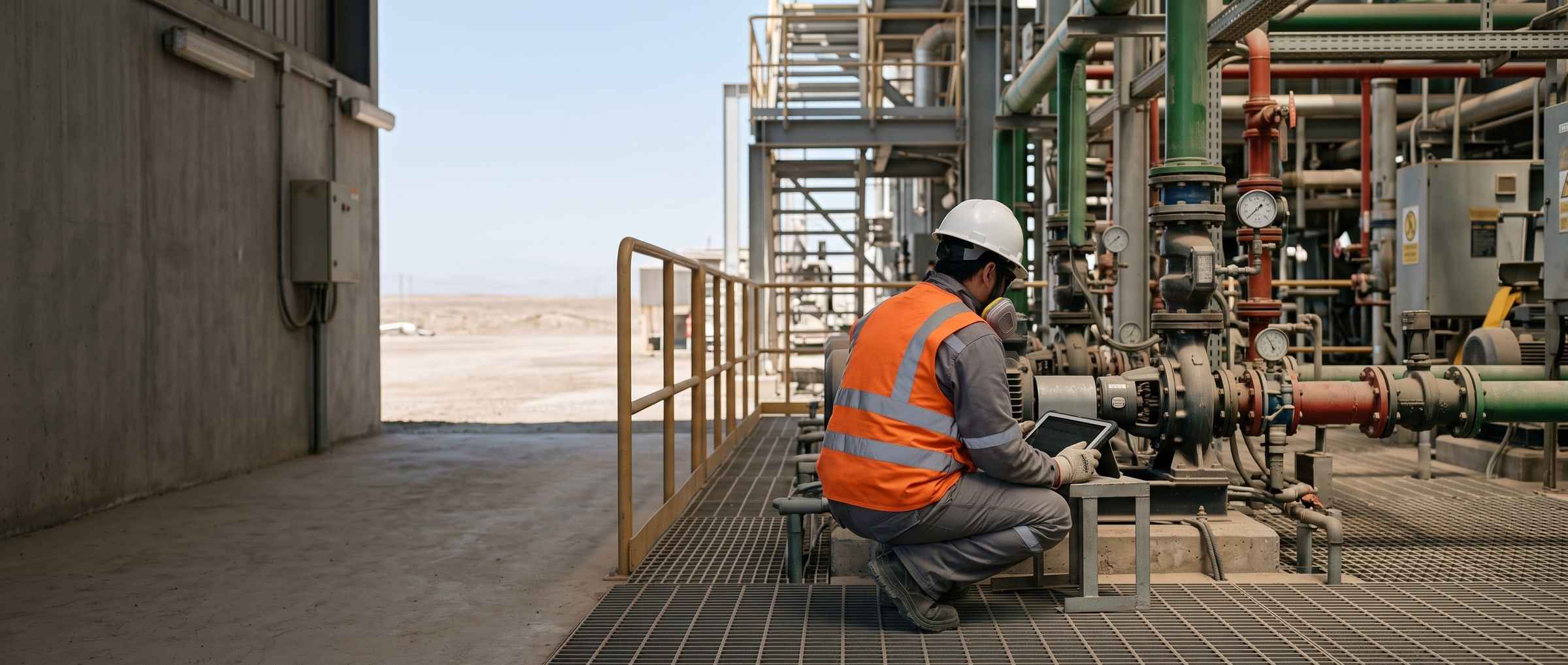
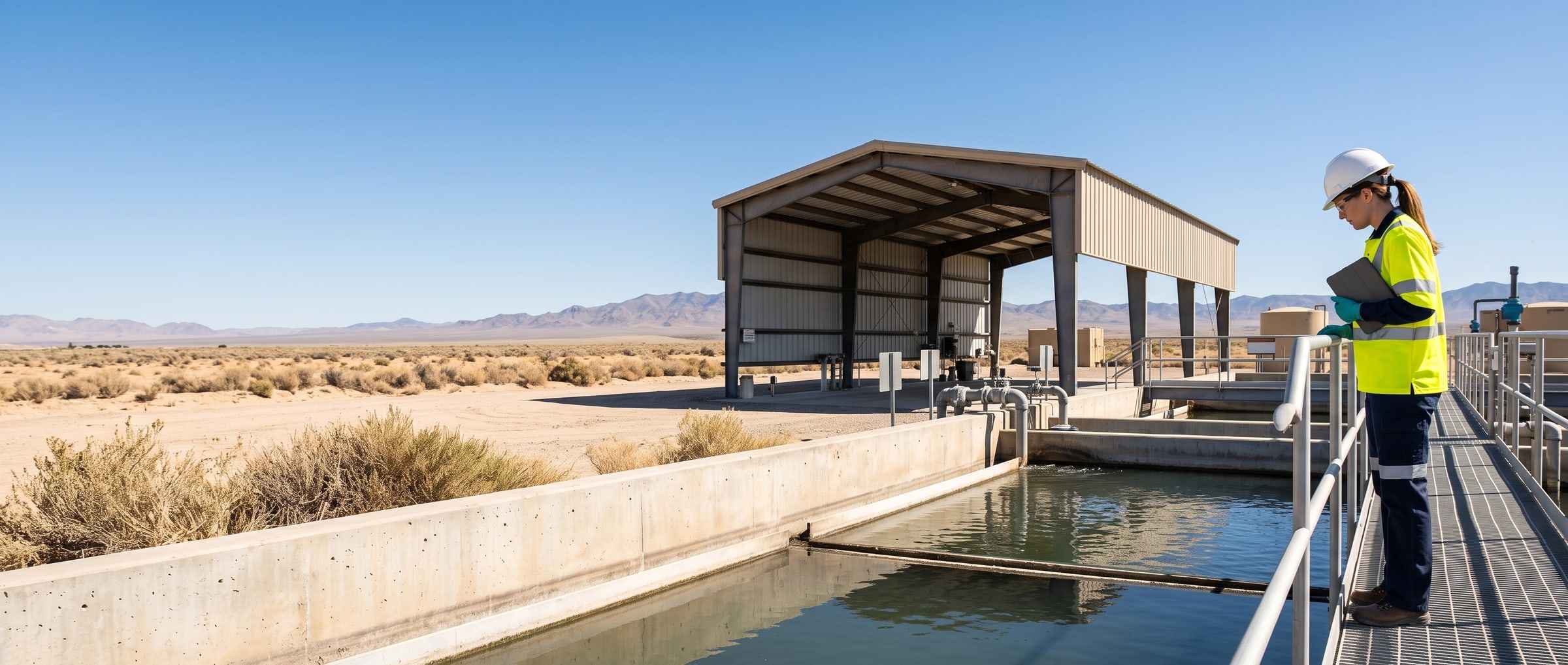
The tools PAIR brings
Each tool, against how the work gets done without it.
Against the method, not against a brand: pen and paper, a spreadsheet, or a field application. Where the method already solves it, we say so.
| The PAIR tool | How it gets done today without it |
|---|---|
| The smart form builder with AI You photograph the sheet you already use and it comes back as a form, with its fields and checkboxes. 2 to 8 hours Forty forms, by hand or with the builder. Onboarding included. | A spreadsheet is built column by column; in a field application somebody types it in field by field. |
| Filling by photo and by voice with AI The photograph and the audio of the finding fill in the fields; the inspector reviews before closing. up to 3 × Faster at filling than in a current field application. How it was measured | By hand, field by field: on the paper, in the spreadsheet or on the screen. |
| Reserved fields A reserved field enters no chart, average or prompt, and comes out masked on export. | On paper, a locked drawer; in a spreadsheet, whoever holds the file holds everything. |
| Smart Report with AI The period report as a PDF, with your letterhead and the charts you pick. | A person assembles it the following week, copying and pasting. |
| Records and the quick chart Twenty-two filters, in and out through Excel, and a chart over the rows you tick. | Paper has to be typed up before it can be counted; the spreadsheet is the table as long as nobody opens another copy. |
| PAIR 360 Added to a plan The navigable walkthrough of the site, with findings anchored at the exact point. It does not spot findings on its own: a person declares them and the system gives them the exact place. | Hiring a scan, which arrives when it arrives, or going back to site for the photograph that was missing. |
Sibling product
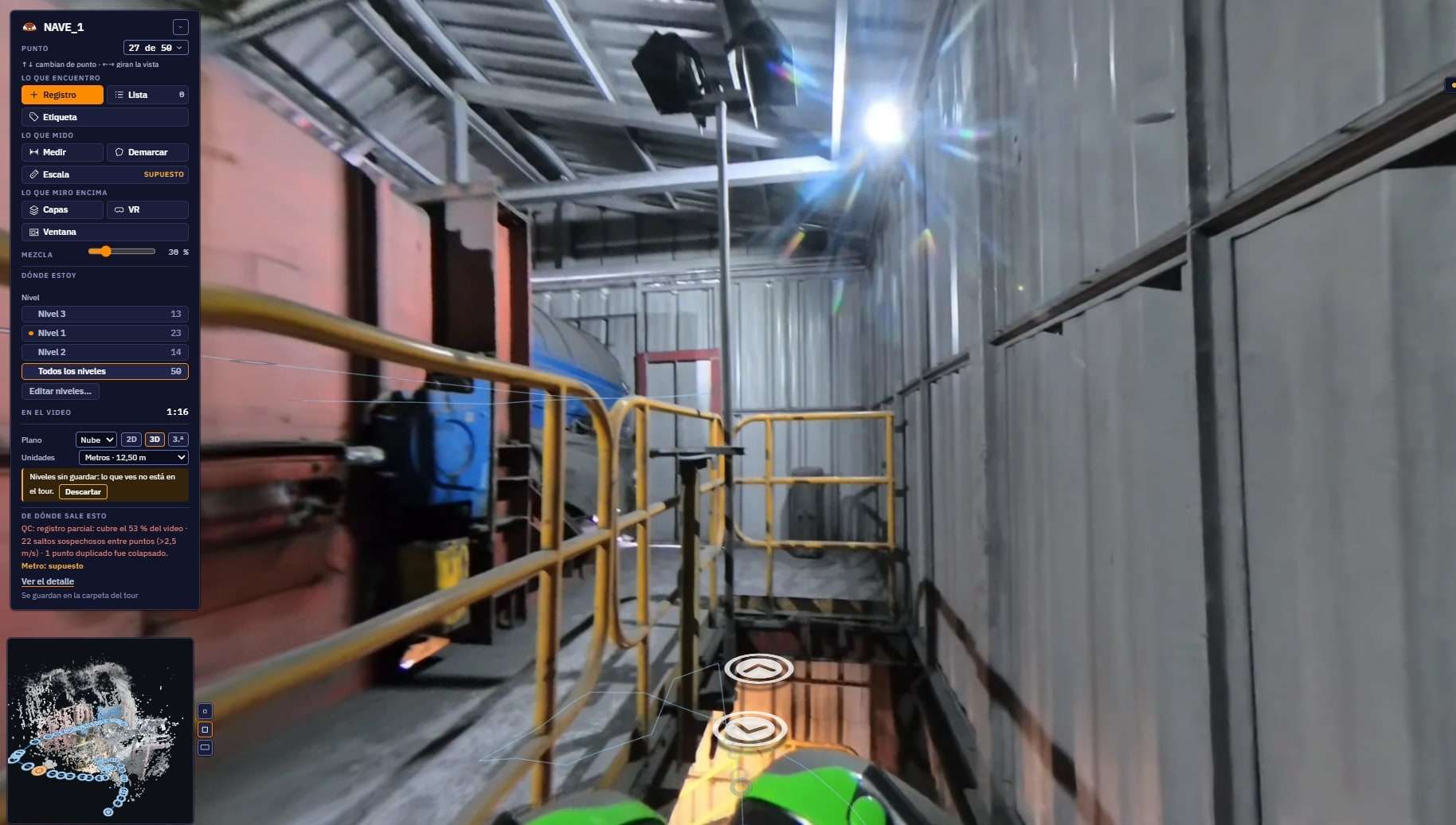
PAIR 360
Walk the installation with a 360 camera on the helmet and you get a navigable walkthrough, with findings anchored in three dimensions over the point cloud and the BIM model. It is added to Profesional or Enterprise.
- Walkthrough positioned from the video alone, with no special equipment
- Findings anchored in 3D, with millimetre quality control
- Comparison between two dates of the same installation
- Auditable face blurring
Who backs us
Programmes, incubators and companies that have backed PAIR.
Fusen World is an Atlanta-based accelerator. IncubaUdeC and the Faculty of Engineering at Universidad de Concepción have been with us since day one.







Demo
Bring us one of your forms
Bring a photo of a form you use today. On the same call we will see it digitised and filled from a phone. Thirty minutes.
- Would you rather look at the plans first? See pricing.
- Still have questions? Check the FAQ.